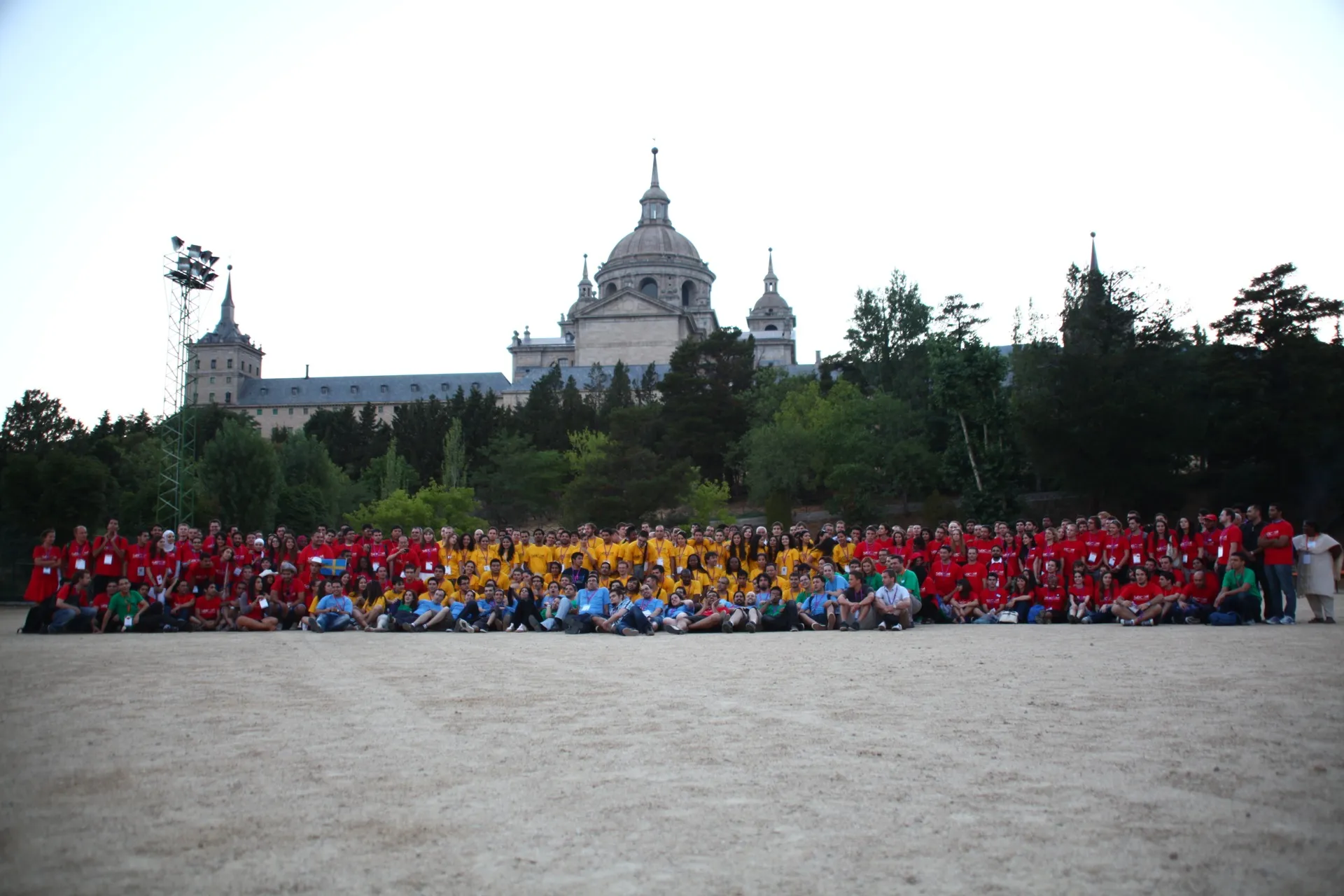
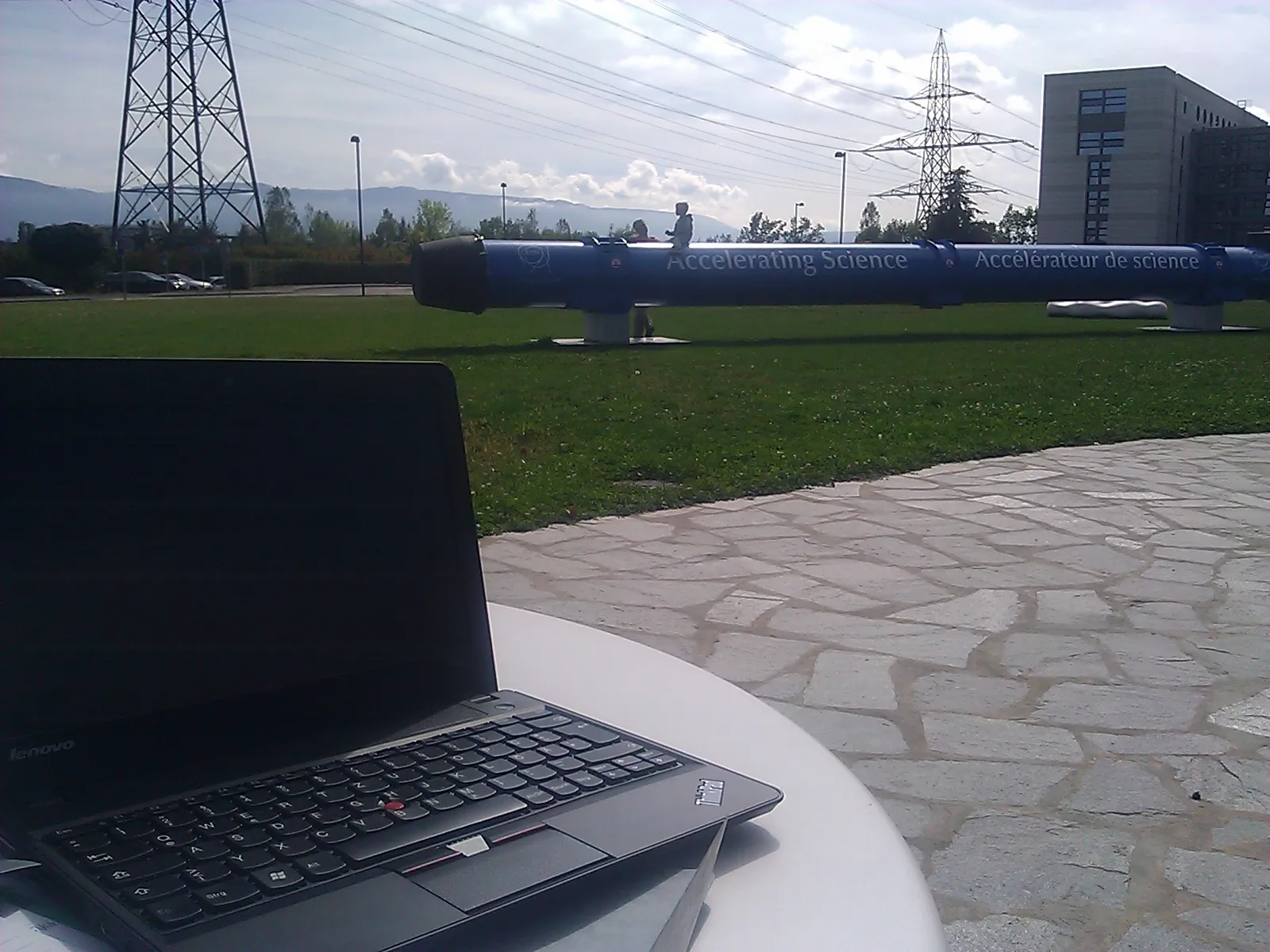
We’ve made it and it is actually our second day at CERN. I am sitting at a table in the CERN cafeteria, a sunny spot right next to one of their magnets they have on display. More than 1000 of these are somewhere below me, in a 27 km long ring. That’s where they accelerate junks of protons to have them finally collide.

As I am sitting here sipping my coffee I enjoy the spirit and the excitement of all of the researchers and “science tourists” around me who have come from all over the world to participate in and witness R&D at the forefront of science and technology!

Yesterday we had the chance to talk to one of the scientists from the core team of the Neutrino experiment, where in short they send Muon Neutrinos from CERN to some place in Italy (roughly 730 km from here) to see if some of the Muon Neutrinos change into Tau Neutrinos, as predicted by some theory that is not confirmed yet. I am sure you’ve heard about that experiment, which was in the media excessively because of some measurement setup error which lead to the suggestion that neutrinos may be faster than light. It’s just so much more exciting to really talk to the people who actually do the experiments as opposed to just following some copy-and-paste flawed media coverage by some journalist who might not even care. I’m getting goose bumps again as I think about those interesting discussion!

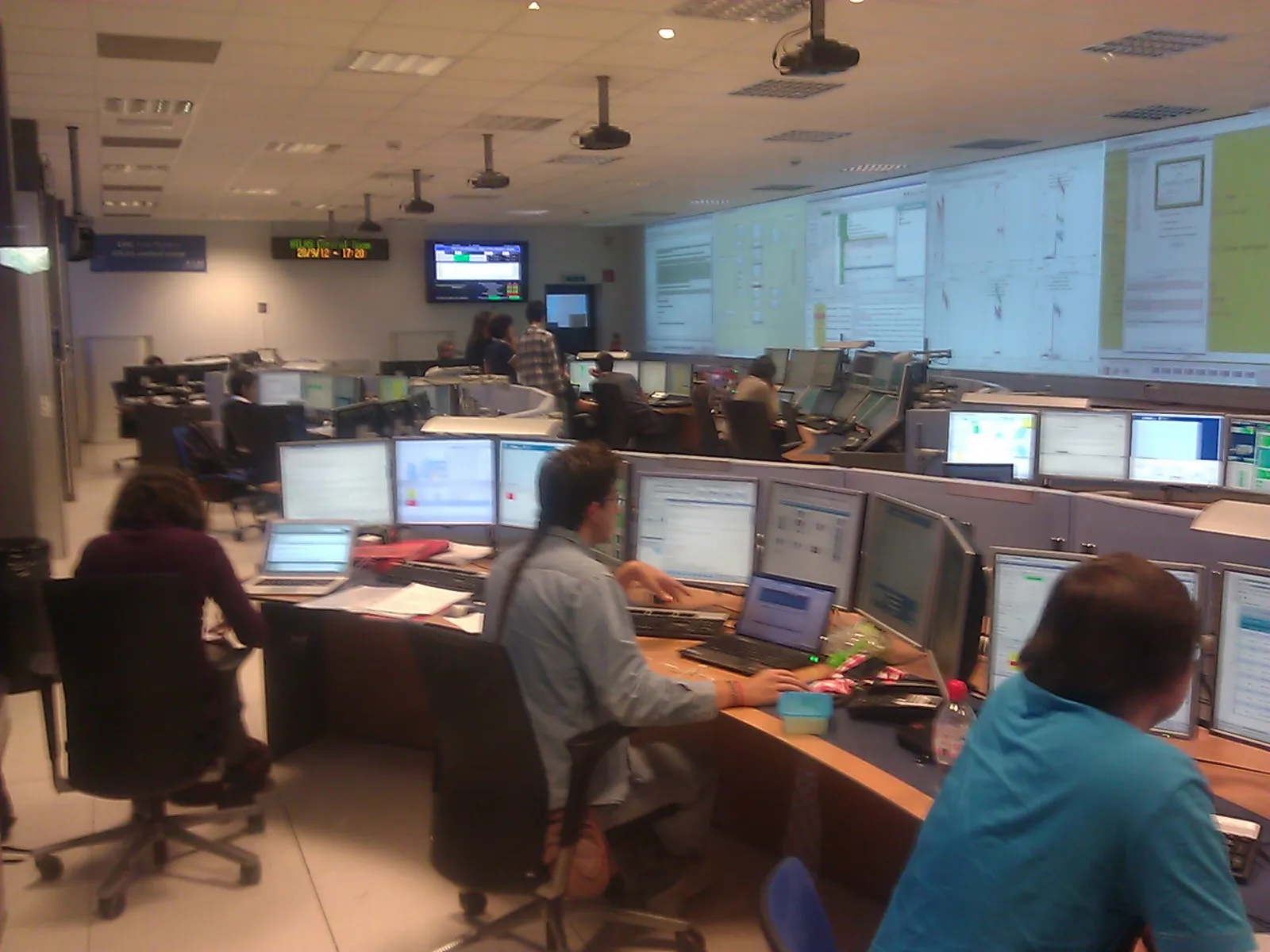
ATLAS experiment control room

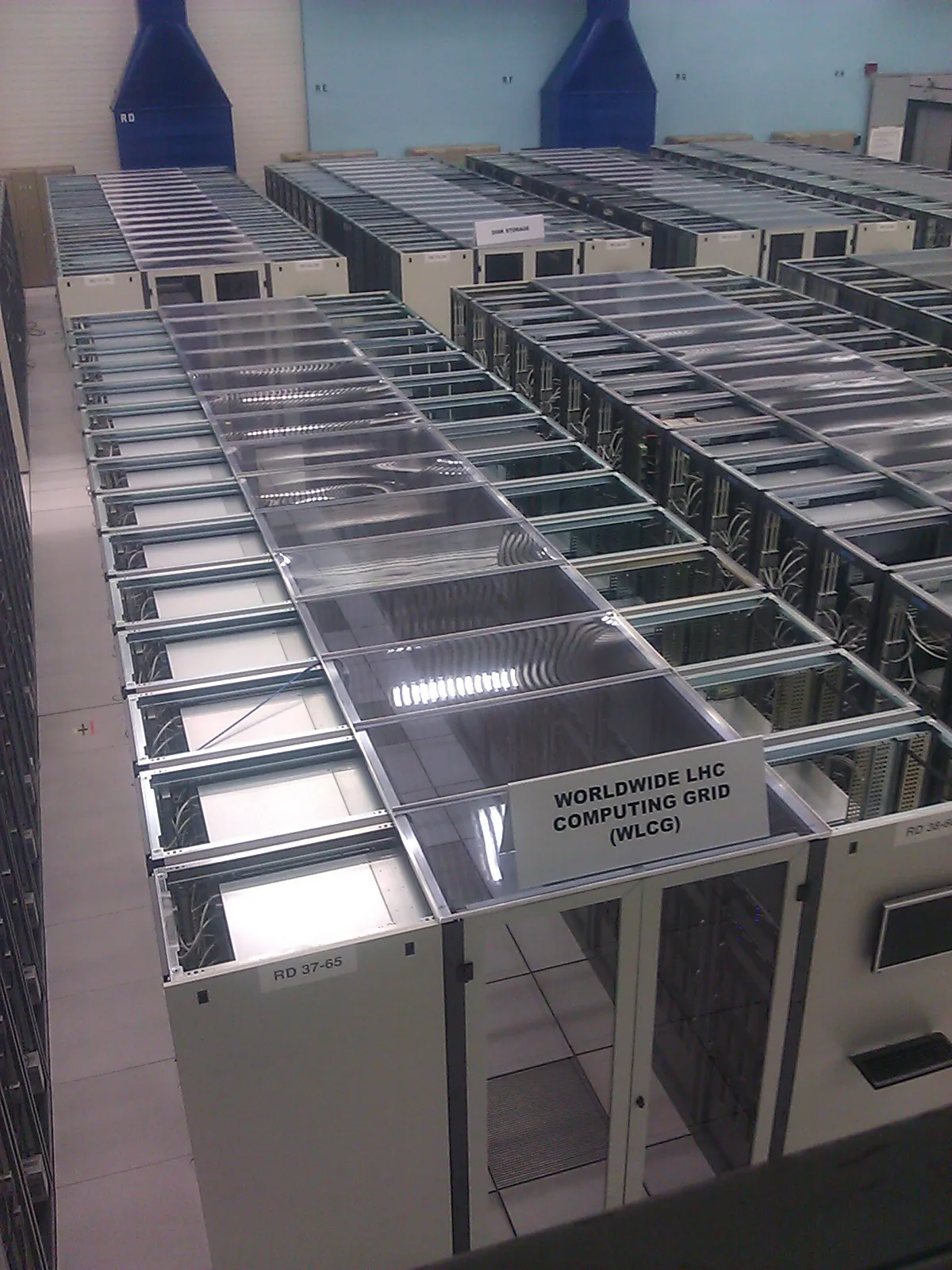
LHC computing grid

Read more →

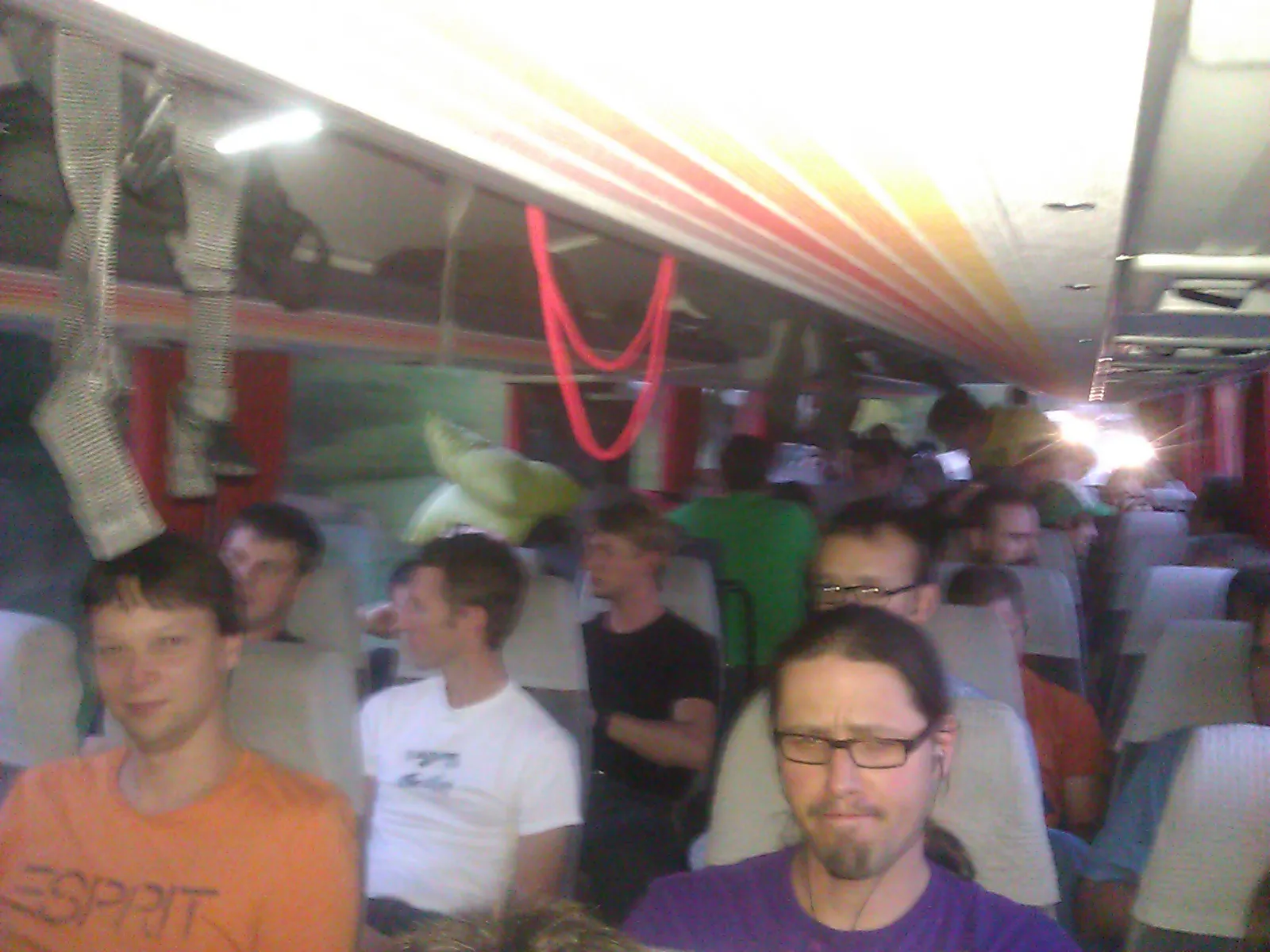
We’re on our way! As I am writing this we are on the bus already!

The IEEE student branch JKU Linz is going to CERN. There are 14 more hours of bus driving ahead of us. But I have a feeling that this is absolutely doable given the amount of beer that people brought on the bus ;) – Not to forget everybody’s excitement that is even more energizing and rewarding. I am really looking forward to this once-in-a-lifetime trip!

Read more →

F*** you IEEE admins! http://it.slashdot.org/story/12/09/25/1356211/data-breach-reveals-100k-ieeeorg-members-plaintext-passwords

I really don’t get it how something like this can happen in an organization that prides itself on being the scientific home to some of the most respected researchers in the field of computer and data security.

Anyway, this incident triggers me to start this new thing that I am going to call “Spotlight”, where I’d like to present nice tools, must-haves, must-does and other stuff. In the shadow of recent events I’d like to point out a little program to you called Keepass.

The problem for many people with a password leak like the one IEEE committed is, that they use just one password for all the services they use. Just one password for twitter, facebook, mail, skype, maybe even credit cards, bank accounts, you-name-it. When one institution leaks your password you are really screwed! On the other hand users often use trivial passwords such as password, 12345, … , just because they would have to remember so many passwords otherwise. But there is just no way around: You have to use a strong, unique password (http://en.wikipedia.org/wiki/Password_strength) for every service you use - and you may NOT write it down or store it in plain text!

This is where Keepass comes into play. It’s a password safe, where you can store all your unique and strong passwords in an encrypted file. Trust me the encryption that they use is really good, waaaay more unlikely to be broken than IEEE, your local cable company or any other entity leaking your password. Of course if someone gets your master password, which you use to unlock this file, you are screwed again. But if its a good password and if you don’t write it down or give it to anyone, you should be good.

My password safe has 70 passwords stored in it. The IEEE leaking my password means that whoever has my password may now log on to my IEEE account. This is still horrible enough, they could eaves drop in on all my IEEE emails, order IEEE goodies and membership subscriptions, but that’s nothing compared to the damage that could have been done if I had used the same password for all of the 70 services I use.

Give it a try, it’s one of the most powerful tools that I use! http://keepass.info/

Read more →

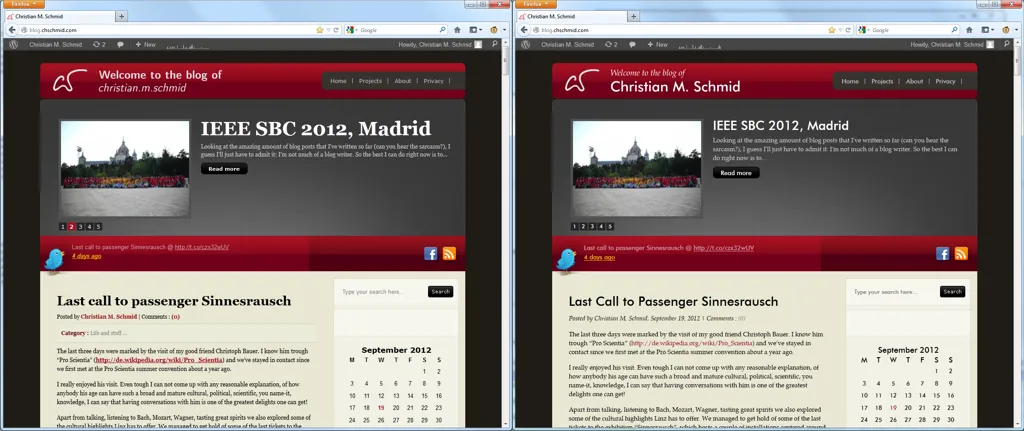
Yay! New fonts for my blog. Here’s a photo of the before and after effect (click to enlarge)

Do you notice the fonts that are used now? For quite some time I’ve actually been using mainly the three typefaces that are now also used on my blog, which are:

  • Futura - it’s one of the greatest San Serif fonts I know. I love it for its simplistic geometrical shapes, as well as for its elegent lower case ascenders.
  • Palatino Linotype Regular - actually I am using URW Palladio Regular, which is an Open Source Version of Palatino Linotype. I love it for its beauty and more importantly for its high legibility. By the way I am also going to use this one as main font for my thesis, which is going to be based on André Miede classicthesis LaTeX package.
  • Palatino Linotype Italic - This is probably the most beautiful typeface - ever. It’s bad that it is not as legible as its regular version, but hey its soooo beautiful! Just zoom in on this ampersand and you’ll know what I am talking about:

&

Of course fonts meeting web involves some technical stuff too, actually quite a lot of it. Just for the sake of completeness I’d like to refer you to Wikipedia and the site that helped me with the font conversion: http://www.fontsquirrel.com/.

If you want to learn more about about fonts I’d like to recommend “Just my type” by Simon Garfield, which has paid my bedside table a visit just recently. By the way: What’s your most favorite font and why?

Read more →

The last three days were marked by the visit of my good friend Christoph Bauer. I know him trough “Pro Scientia” (http://de.wikipedia.org/wiki/Pro_Scientia) and we’ve stayed in contact since we first met at the Pro Scientia summer convention about a year ago.

I really enjoyed his visit. Even tough I can not come up with any reasonable explanation, of how anybody his age can have such a broad and mature cultural, political, scientific, you name-it, knowledge, I can say that having conversations with him is one of the greatest delights one can get!

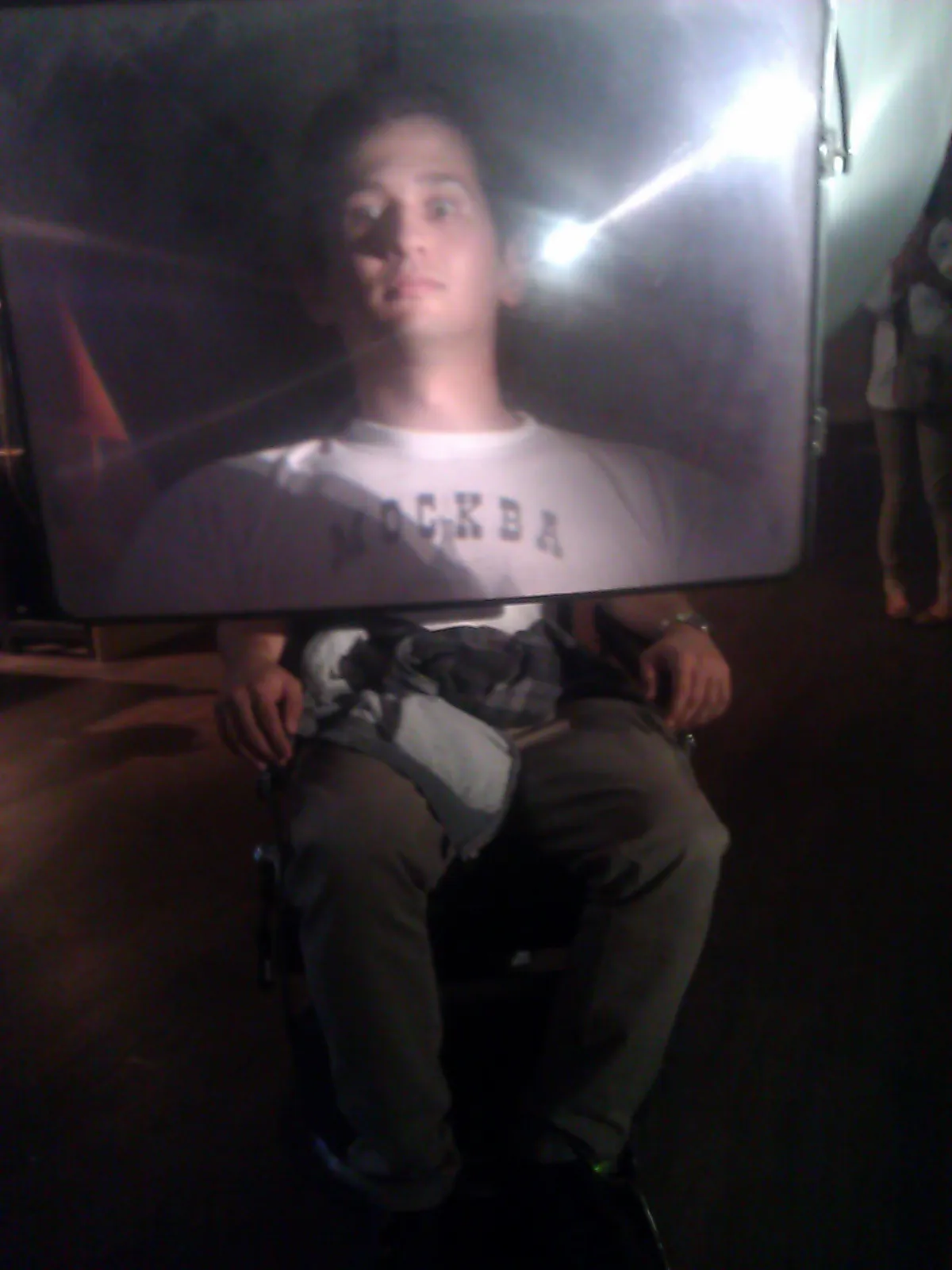
Apart from talking, listening to Bach, Mozart, Wagner, tasting great spirits we also explored some of the cultural highlights Linz has to offer. We managed to get hold of some of the last tickets to the exhibition “Sinnesrausch”, which hosts a couple of installations centered around the common theme “Sensory Sensation” and leads over the rooftops of Linz. Most of the installations are interactive, here’s a photo of Christoph trying the “super-lense-chair”.

If you think that exploring Linz and its wonders is for you too, just drop me a line. I am always happy to welcome my friends to Linz!

Read more →

Looking at the amazing amount of blog posts that I’ve written so far (can you hear the sarcasm?), I guess I’ll just have to admit it: I’m not much of a blog writer. So the best I can do right now is to refer you to other blogs.

One that is definitely in my top 10 list of blogs right now is the blog by the IEEE SB Ljubljana on the IEEE SBC 2012! Most of you will probably ask what is IEEE, what is an SBC? The Institute of Electrical and Electronics Engineers (IEEE, read I-Triple-E) is a professional association … well you can look that up on wikipedia yourself. Basically it’s a worldwide network / non-profit organization for engineers of all ages, colors, … and they have Student Branch Congresses (SBCs) every year, where students from all over the world meet to discuss the latest trends in EE and to … well … just meet each other. And that is what the IEEE SB Ljubljana blog is about.

So here’s what I suggest you should do: If you are an engineer and not an IEEE member yet, get a membership NOW and try to get to the next SBC. You can thank me later. What is in it for you is meeting some of the brightest, most inspired, open-minded, innovative people you will find out there, a mix of great minds with cultural backgrounds as diverse as the cities where these events are being held and memories and experiences that you won’t forget too quickly.

I was fortunate to write one blog post for my friends from Ljubljana, which you can find at http://sbcmadrid2012.ieee.si/?p=296.

Read more →

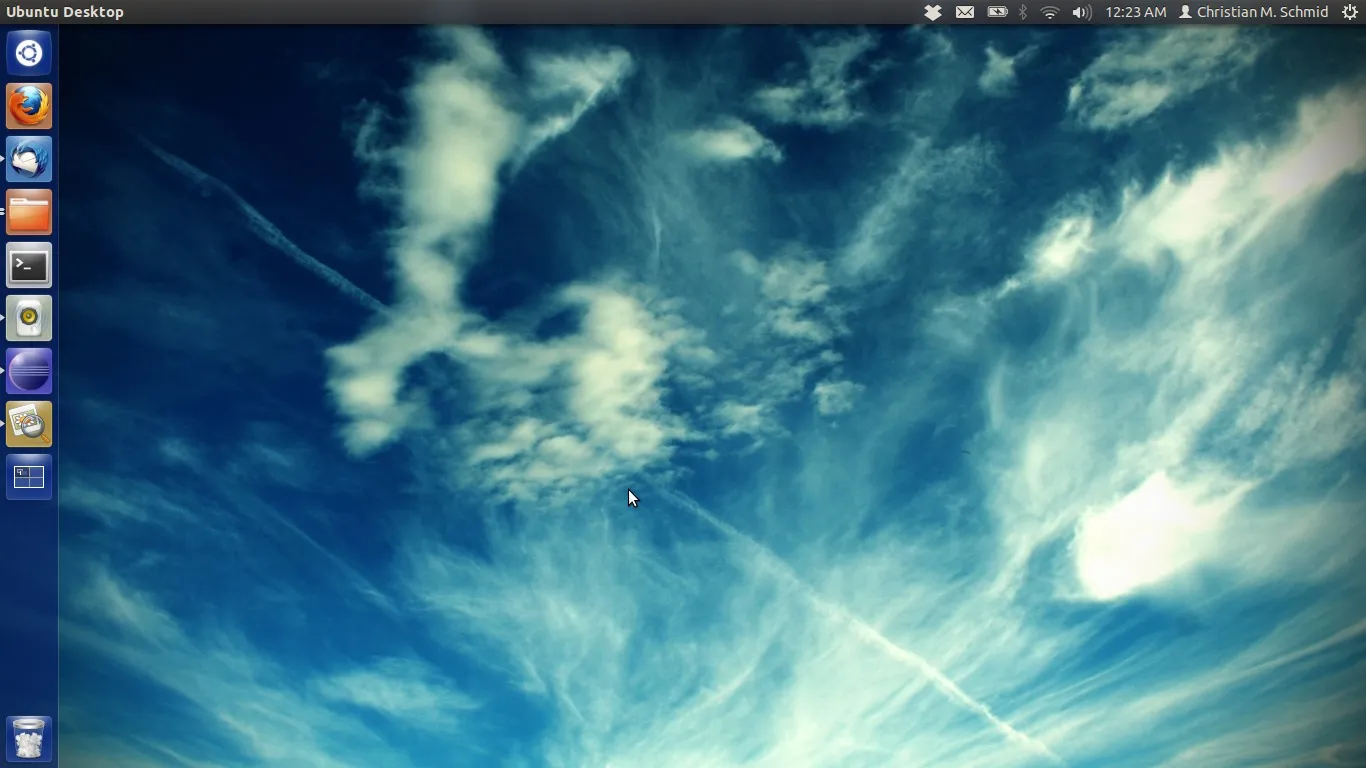
I have already blogged about how cool my new Thinkpad X121e setup running on Ubuntu 12.04 x64 is. I’d like to get a little bit more technical in this post. First of all, as so many have asked before: AMD E-450s (but also E-350s) can play Full-HD videos in Linux!!!

So here’s my setup

Lenovo Thinkpad X121e
Processor: AMD E-450
Graphics: Radeon HD 6320
8GB RAM
WIFI: … see below

Installing Ubuntu 12.04 is really easy, just download the *.iso from ubuntu.com, create a bootable flash drive using the Universal USB Installer from www.pendrivelinux.com and boot from it.

Everything should work out of the box but these three things:

1.) Full-HD video acceleration

First of all: Yes I can watch Full-HD videos on my machine! Here’s what you have to do:

The standard open source driver that comes with Ubuntu can’t do it and you need additional software to really get it working. First you need to install the proprietary driver from AMD. Right now it seems that only Catalyst 12.4 is working for the E-450. (I tried the 12.6 version just yesterday, AMD did not sign it for the E-450, so leave your hands from this one). Although Ubuntu offers you to install the proprietary driver, I would do it manually. Here’s how to

1.1.1 Get the 12.4 driver for Linux x64 from AMD’s website (Not the 12.06 version!!!!!)
1.1.2 Follow the steps from https://help.ubuntu.com/community/BinaryDriverHowto/ATI, scroll down to the “Manually installing Catalyst” section and do everything as stated there, except replace the version number with 12.4.

So far so good, now reboot your machine. To play Full-HD movies you’ll have two options
1.2.1 Use the XBMC that plays along with XvBA (see http://forum.xbmc.org/showthread.php?tid=116996 for how to install it) for watching Full-HD stuff
1.2.2 Open a terminal and use “sudo apt-get install xvba-va-driver libva-glx1 vainfo” to install a kind of wrapper for AMD’s XvBA needed. Also install VLC, open it and select “Use GPU accelerated decoding” under Tools -> Preferences -> Input & Codecs. After restarting VLC you should be able to watch Full-HD properly. If you are having problems search the web for “AMD vaapi xvba-va-driver” or similar terms. It worked for me out of the box.

2.) WIFI

The Wifi card that comes with the machine, is a real horror for Ubuntu. I even tried to download the driver from Realtek (which is the manufacturer of the card) directly and compile it myself. Even with that I did not get a stable connection when the signal was weak or when I was in a WIFI crowded area. What solved my problem was buying an Intel 6200 WIFI card and a half-> full size PCI card adapter, which was 15€ for both on ebay. - Remove your Realtek card, plug the WIFI card + adapter into the spare port of your PC and you’re good to go. The Linux kernel 3.2 supports the Intel 6200 out of the box. Some might ask why not to use the port where I removed the Realtek WIFI card. Well that is because the Lenovo BIOS won’t let you use it there (Unless you modify the bios which is really tricky and dangerous)

3.) The trackpoint

I’ve never had a trackpoint before, but I really love it now. It is a shame that one out of 10 time when I start the computer it does not work. The following commands make it work again:

>> sudo modprobe -r psmouse
>> sudo modprobe psmouse

It takes a few seconds for psmouse to load, but then everything should work again. I am thinking about putting this code into /etc/rc.local or something, but right now I just type it every time I have problems.

I hope this guide is helpful. Let me know if you’re having problems or suggestions!
Read more →

bladder - that’s what Sheldon want’s to be

PC - me. That’s why I started playing again with Linux. I have to admit, the whole Linux thing is with me for more than 10 years now. I have installed at least one Linux distribution every year and after some time found it: unusable to put it mildly. Most importantly: it never really supported my hardware. I should mention that I am talking about the two laptop computers that I’ve owned.

Which were both bulky 15 inch machines and I decided to go for a smaller computer about a month ago. So here I was with my brand new Lenovo ThinkPad x121e (AMD-450 Version), no operating system. In other words: Another round of Linux tryouts. I decided to try Ubuntu.

It was a lot of work and it involved things that my mother would totally not be capable off, but shit, I gotta say: It has convinced me this time!!! I got everything working!!!

Read more →

Being creative is about building stuff and it’s even more challenging and fun when it involves building something for an artist like Harald Baumgartner. Yesterday we finished working on his website www.haraldbaumgartner.com. His music: really great stuff, interpreted in German (or should I say Austrian?) with great guests. Here’s a video about his new album

Video: ::HARALD BAUMGARTNER:: melancholerisch Trailer 1.1

Working on the page was a real pleasure. Of course as an engineer I always have to think about the under the hood stuff, like Joomla which is behind the page and CSS and HTML and PHP. But what also counts, probably more than anything, is the design - the way the information is presented. There was a lot of trying different photos, styles, optimizing, font chosing (no we never considered Comic Sans), which is especially fun with an artist like Harald, because he simply cares. About details as well as about the big picture.

Anyway if you like his music find out more at www.haraldbaumgartner.com, or on his facebook page

Read more →

Everybody is talking about it right now, and I’d like to share a personal story about something that has happened to me recently. But first of all the video:

Video: What Is ACTA ?

So here’s my story: I love doing “DIY” projects. I create my own music, I build things (see the projects page), and I also like designing my own clothes. About 4 months ago I created a T-shirt with a piano keyboard and the word “play!” written below it:

I thought it would be fun and tried to have it manufactured by an online shop. My design got rejected - twice! You know why: “Because using the word “play” on any kind of clothing is registered to a company called playtex”: http://register.dpma.de/DPMAregister/marke/register/800248/DE

Yes, it is true, you can register a single, common English word, so that nobody, absolutely nobody else, is allowed to put it on any kind of clothing - no matter in what context, no matter in what size or font. Isn’t that horrible. I surely don’t want the same thing to happen in too many other parts of my life!!!!!!!!!!!!!!!!!!

Do you have any personal stories? What do you think about ACTA? Post a comment, twitter, chat, talk about it!

By the way: The design slipped through at another online shop ;) So you can order it at http://www.spreadshirt.at/play-C4408A17629509

Read more →